Key Highlights
- A contour map shows lines that join points of equal elevation above sea level.
- The space between contour intervals lets you read if the land is steep terrain or has gentle slopes fast.
- To sketch a basic contour map, plot some elevation points and connect the ones with the same height.
- You can use tools like pencils, graph paper, software, a browser, and google earth for this work.
- Land surveyors, architects, and planners use these maps to help with drainage and site design.
- Good, clean lines, right intervals, and smooth drawing help others read your map well.
Introduction
A contour map makes it simple to see the shape of land on a flat page. It changes elevation into lines that you can read and draw. This is useful if you want to plan a building, check slope, or just know more about the land. Land surveyors use a contour map because it shows where the ground goes up or down, and how water might flow. Once you know the basics, making a contour map gets easier and is very useful.
Basics of Contour Maps and Contour Survey Drawing
A contour map is a picture made with lines that connect points of equal elevation. These lines help you look at a three-dimensional surface on a flat, two-dimensional map. This is why people use a contour map or do contour survey work for land planning and design. A contour map makes it easy to see where the elevation goes up or down and helps you understand the contour of the land.
You can see hills, valleys, ridges, and slopes by looking at the pattern and space between the contour lines. A contour survey takes the raw elevation information and makes it into a clear picture you can read and use. Before you make your own map, it is good to know what the lines mean and how they are not the same as the lines you see on a big topographic map.
What Are Contour Lines and How Are They Used?
Contour lines are lines you see on a map that link points of equal elevation. This means all spots the line touches are the same height as sea level. If you walk along a contour line, you stay at the same elevation the whole time. Each one has a set vertical value because we use sea level to measure how high up it is.
Contour lines show the elevation on a map. Every line stands for a single height, and the next line will be higher or lower by a certain number. If the lines are close to each other, that part of the land is steep. Lines that are farther apart mean the slope is more gentle.
These lines help you read the shape of land even if you are not out on the site. You can see hills when the loops are closed. A V-shape shows a valley. A special kind of marked loop points out a low area. So, contour lines are good to use for planning, figuring out drainage, grading, and how to lay out routes.
Contour Maps vs. Topographic Maps: Key Differences
A contour map is mostly about showing elevation. It uses consecutive contour lines to help you see land shapes and height at a glance. This kind of graph makes it easy to read slope and figure out changes in elevation. If you need to understand the terrain for grading or drainage, a contour map is usually all you need.
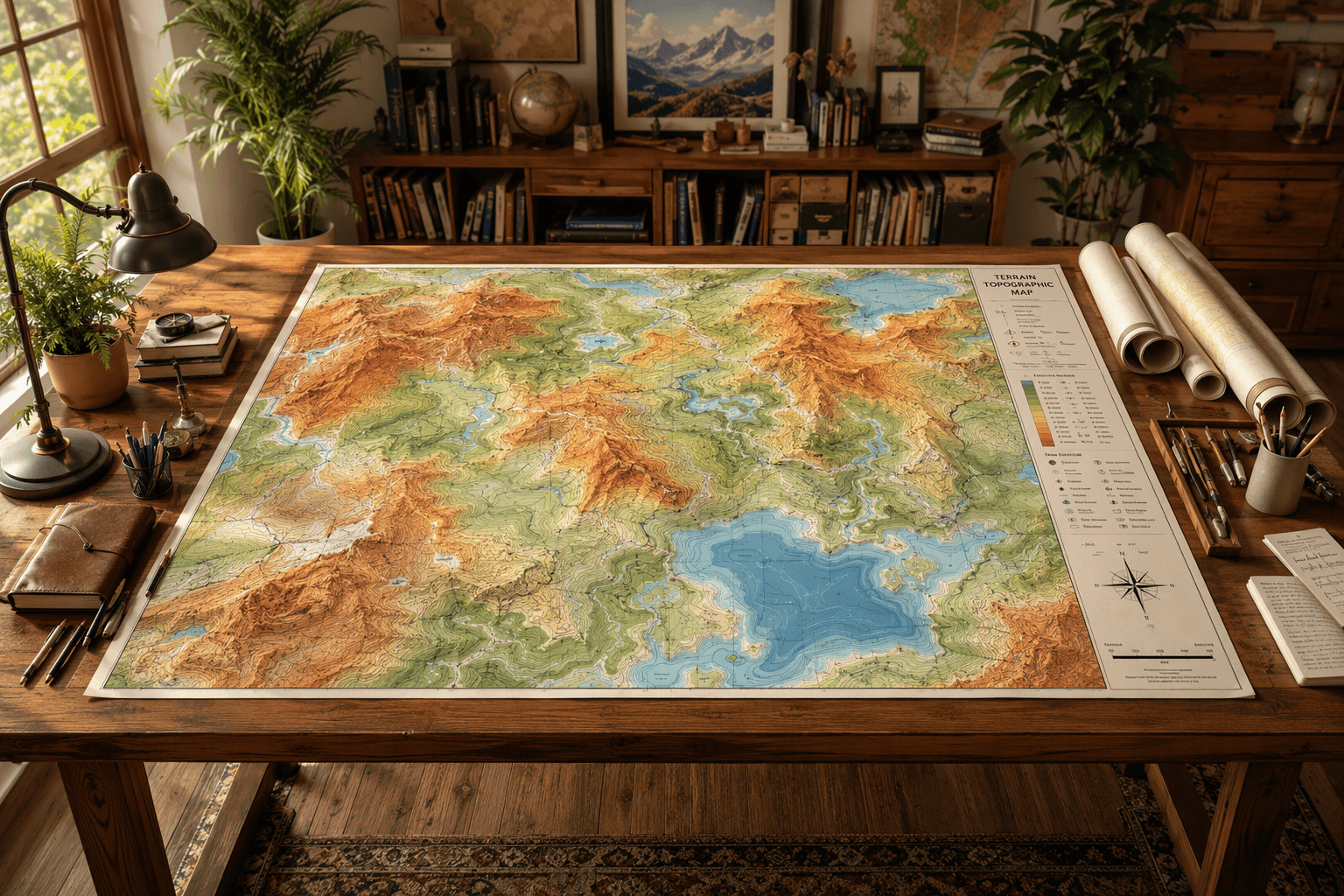
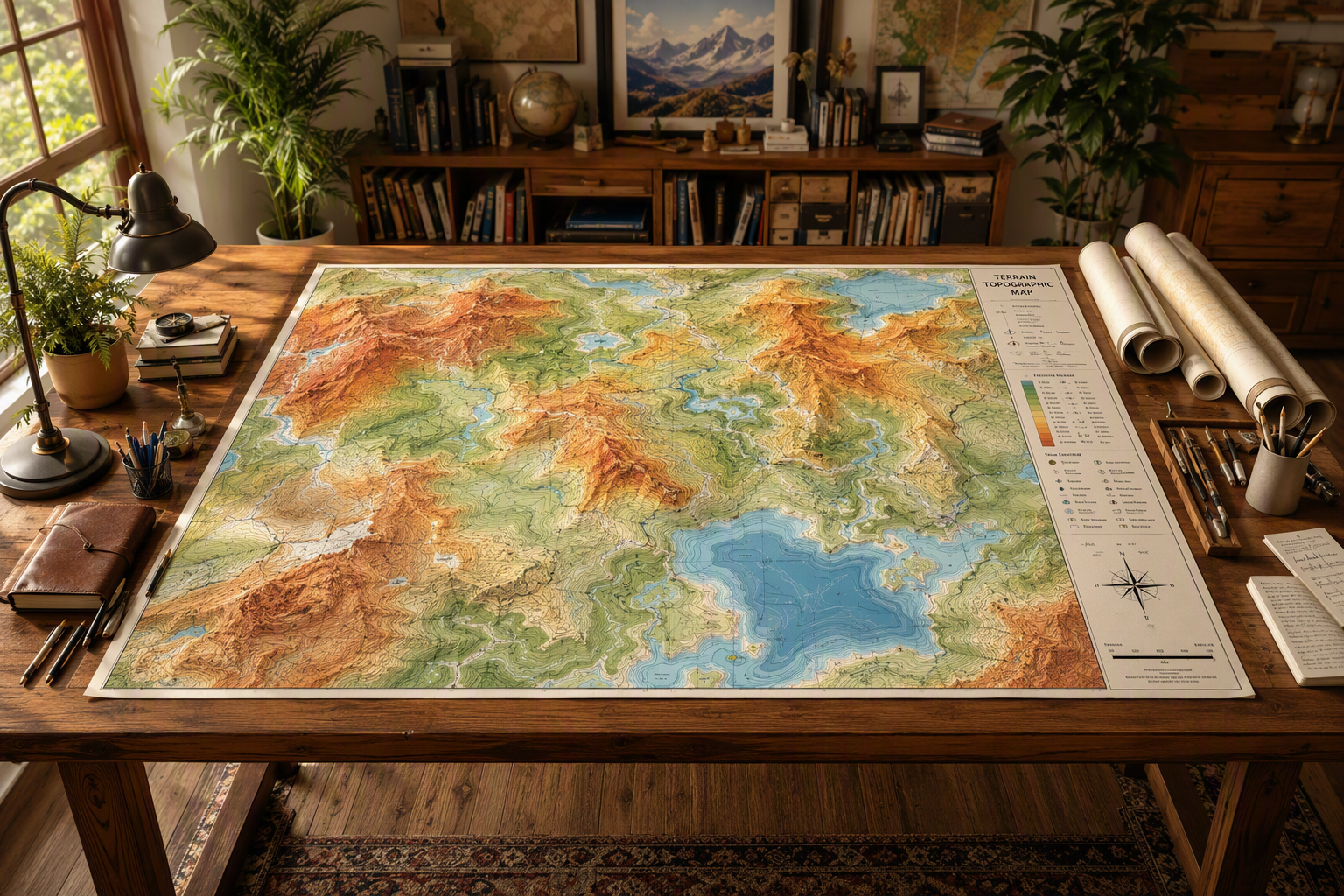
A topographic map shows more than just contour lines. It has colors, shading, paths, rivers, and the land’s other key parts. A contour map is all about showing elevation by drawing lines to show height changes. A topographic map lets you see the land in more ways. So, the key difference is what they cover. A contour map focuses on elevation, while a topographic map shows the bigger land layout.
Feature | Contour Map | Topographic Map |
|---|---|---|
Main purpose | Shows elevation through contour lines | Shows elevation plus broader terrain features |
Visual style | Mostly line-based graph | Lines, shading, colors, and symbols |
Best use | Grading, slope checks, drainage review | Navigation and full landscape reading |
Detail beyond elevation | Limited | More complete surface information |
Tools Needed for Drawing Contour Maps
You do not need a big setup to do a contour survey drawing. A simple diagram, ruler, pencil, eraser, and paper will help you a lot when you start by hand. What matters the most is having good elevation data.
Digital tools help you work faster. A good app, mapping software, and google earth can let you look at land, see what patterns are there, and match your sketch to the real shape of the ground. Some tools do better with collecting things in the field. Some are better for drawing and planning. Let’s talk about simple hand tools first, and then the top online options like google earth and google apps.
Essential Hand Tools and Materials
If you want to draw by hand, you should keep the setup easy and clear. Most land surveyors begin with elevation points that are measured. Then, they put these points on paper in the spot where they should be. Next, they pick the space between the lines. After this, they link the same elevation points with smooth lines.
Useful hand tools include the following:
- Use graph paper or plain drawing paper when you need a clear layout.
- A pencil and eraser help you to plot points and fix your line work.
- A ruler helps you keep good spacing and align the elevation points in your drawing.
- A printed site plan or a base sketch can guide you as you place each elevation point.
The steps to draw a contour map are simple. First, you need to get or take spot elevations. Next, put each point on your map with care. Then, pick a contour interval that fits your area well. After this, join the spots with the same heights to make smooth contour lines. In the end, check your map to see if it stays clear and correct. This way, your contour map will be easy to read and be right.
Best Software and Online Tools for Contour Survey Drawing
Digital options can help you save time. They are useful when you need to make a draft fast or want to see different terrain views. If you want to know what app or software is best, it will depend on what you need the most. Do you need to use it in a browser, on your phone, or to help with drafting? The answer can change based on this.
Common online tools and software talked about in the main text include:
- You can use Google Maps terrain view to see simple contour lines.
- Google Earth helps you check 3D terrain easily.
- CalTopo is a free tool that works in the browser and has contour features.
- Gaia GPS and Backcountry Navigator are mobile apps that let you get to maps.
If you need to make or check a contour map online, CalTopo is a good free tool. You can also use google earth to see the shape of land fast. When you want to make a formal survey drawing, AutoCAD or GIS software will help you draft and go over the final contour maps. So, there are always free online generators and viewers you can use. Just know that some phone apps could charge you for offline use.
Steps to Draw a Contour Map from Scratch
Drawing a contour map begins with correct spot elevation data. You need good elevation data, because even if your map looks good, it can still be wrong. The first thing you should do is put every measured height in the right spot on the map. Do this before you start making the contour lines.
From there, the steps become clear and simple, not a mystery. You start by looking at the range from the lowest to the highest ground. You pick a useful interval to work with. Next, you connect all the places that have the same height in a way that makes sense. A algorithm can help you using software, but the main hand-drawn method still uses the same steps shown below.
Collecting and Plotting Spot Elevation Data
Start by getting spot elevation readings from different places on the site. These are single heights you measure at known spots. If you want to draw by hand in the right way, you need to get enough elevation points. This will help you show the shape of the land. You will be able to see the ridges, low spots, and any change in slope.
Next, put every spot elevation in the right spot on your base drawing. Make sure to label each value so you can see and compare nearby points. Try to find the highest elevation and the lowest early because this shows the total range your map needs to cover.
Once you have set the points, look for the places where the same values will pass between these spots. This is how you start drawing your contour lines. Pick a space between each contour, then show the likely spots where the line will cross between the points. Use a smooth way to connect these marks. Make sure each contour line looks natural and even, and always matches your data.
Selecting the Right Contour Interval and Smoothing Contour Lines
Choosing the right contour interval is important for making the map clear. A contour interval shows the height difference between lines. A small interval will show small changes in the land. A bigger interval is better for not making things crowded on a steep terrain. When you pick the interval, think about the map scale, why you need the map, the type of land, and how much time you have.
A few simple guides from the source material are:
- Flat land often needs smaller spaces between the lines to show detail.
- Hilly or steep terrain usually needs bigger spaces between the lines.
- Large-scale maps let you use smaller spaces in the lines.
- Quick, low-cost checks may use bigger spaces between the lines.
After you choose the contour interval, smooth out the lines with care. Do not make sharp or random turns, unless the land shows them. Your contour lines should go between marked heights in a way that makes sense. Try to keep them even from one part to the next. Remember, lines must not cross, because one spot on the map can’t have two heights at the same time.
Common Pitfalls in Contour Survey Drawing and How to Avoid Them
Even if you do a careful contour survey drawing, things can still go wrong if you rush the basic steps. Simple mistakes in drawing points or spacing lines can change how someone reads the site. This can change things like grading, how you get in, and drainage choices.
Some people put their trust in the algorithm built into software and don’t check the results. There are also people who care more about making lines look neat instead of matching the data. The best and safest way is simple. You should check every plotted point, look at all the intervals, and read the map like you are walking on the land.
The next part will talk about the most common errors that you need to look out for.
Mistakes to Watch For When Creating Accurate Maps
Many mistakes with a contour map can start even before you draw the lines. If you put spot heights in the wrong spot, the whole model of the ground will not be right. A big problem in drawing a contour map is picking contour intervals that are too big or too small for the land. This makes it hard for people to read and understand contour maps in the right way.
Watch for these problems:
- Placing elevations in the wrong spot
- Picking contour intervals that either crowd the map or make it too simple
- Drawing contour lines that cross when there is not a steep cliff
- Not noticing natural shapes like valleys, ridges, or how drainage moves
You should not over-smooth the lines. It is good to have clean lines, but they must show what the surface looks like. See if closed loops show either a hill or a low spot, and check that all V-shapes in valleys point uphill. A last check of the space between lines and the labels can help you find mistakes before anyone uses the map for design.
Practical Uses of Contour Maps
A contour map is not only a sketch on paper. It helps in real planning, making designs, and in the management of the land. A contour map shows the slope and height in a clear way, so people can know where the land is good to build on. A contour map also tells you where there may be more work to do.
In fields like architecture, engineering, and site planning, people use contours to help them pick the right foundation, think about grading, and plan how drainage will work. These lines also let teams see how to get to the place, where stormwater will go, and where steep slopes are before they start to build. To know more about why these maps matter, see how they help in architecture, landscape jobs, and work with the environment.
Applications in Architecture, Landscape Design, and More
A contour map in architecture shows how high or low the land is in different places. It helps you see where a building should go on the ground. The map can help you decide the direction the building will face and what kind of base it will need. You can also see if you need to build walls to hold back soil, or how much dirt has to be moved. Using a contour map can help lower the cost and stop you from making a design that does not work with the shape of the land. The map lets people make smarter plans for building.
In landscape design, contours guide you to see where the slopes are. You can use this for terraces, gardens, paths, or spaces like an amphitheater. Contours also help you work with the shape of the land. They make sure that you do not have to force everything to be flat if the land is not flat already.
Architects and people who design land use contour maps to make better choices early on. They can find the best areas to work with, keep things easy to reach, and plan how water will move. This helps avoid problems later. To sum it up, reading a contour map changes basic ground shapes into useful advice for many kinds of work.
How Contour Maps Support Environmental Planning
Environmental planning needs teams to know how land shapes where water goes. It also shows how land changes with time. A contour map can help people see these things. A contour map lets teams pick out low places, patterns in the slopes, and spots that might get hurt by erosion or flooding.
Water always goes downhill and moves across contour lines at right angles. So, these maps help a lot with drainage planning. You can see where the water will collect, where channels might form, and where support for stormwater systems is needed. Contour data is helpful for these things even before you start to build.
Planners use the shape of the land for things like mapping watersheds, managing greenbelts, and making choices about zoning based on slopes. When you can see how the ground moves up and down, it helps you make good choices about how to use land, keep some of it safe, and where development should be. This is why contour mapping matters in the work of planning for the environment.
Conclusion
To sum up, drawing a contour map is a helpful skill. It combines art and accuracy. You just need to follow the steps in this guide. Then, you will be able to make maps that are both clear and useful. A contour map can help with many tasks like design, architecture, and even planning for the environment. It is important to use the right tools. Pick the right contour intervals as well. Try not to fall into common mistakes when working on a contour map.
With practice, you will feel better about your skills. You could even become great at drawing a contour map. If you want to get better, you can read more about the topic or look for more tutorials online. Try out new ways to work with contour intervals and improve your contour map skills. Enjoy your time making maps and learning more each day!
Frequently Asked Questions
How do you choose the contour interval for a map?
Pick a contour interval after you look at the map scale, what type of area it is, what the map will be used for, and your budget. If the land is flat, choose small elevation steps. This helps to see more detail. For steep terrain, pick bigger steps so your contour map does not get crowded. A software algorithm can help suggest contour values. But, always make sure the contour map is simple to read.
What are free online generators for drawing contour maps?
Free online tools like CalTopo and terrain views from google are useful for seeing land shapes. You can use Google Earth to check the land form in 3D before you draw a contour map. Some sites and app options let you view things for free online, but they may ask you to pay for some extra features. All these are good ways to work with contours using google or an app.
How can contour maps help in landscape design projects?
A contour map is useful in landscape design because it shows changes in elevation, the shape of the land, and how water might flow or drain. This makes it easier to plan where to put terraces, walking paths, gardens, and outdoor spaces. Using a contour map helps everyone working on the design, like the architects and site teams, to work with the land’s natural lines. That means there is less need for extra changes or grading, and water can move the way it should. The contour and elevation on the map can show where good drainage will be, and that gives better results for all of the landscaping work.